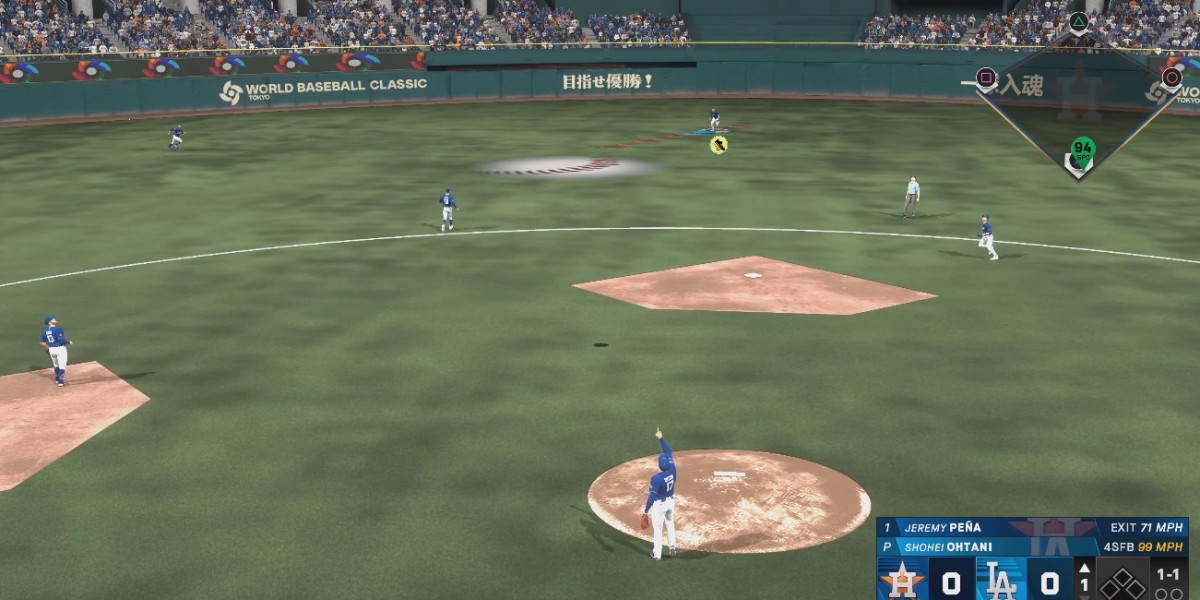
If you’re serious about hitting in MLB The Show 26, the new Hitting Depth of Field setting is a game-changer. This feature blurs the stadium background when you’re at the plate, letting you focus on what really matters—the ball. As someone who’s spent countless hours chasing fastballs and breaking balls, I can tell you: it’s a small tweak that makes a huge difference.
Why You Should Use Depth of Field
1. Reduced Distractions
Crowd animations, flashing lights, or even the batter’s eye glare can pull your eyes away at the worst possible moment. Depth of Field softens everything outside the hitting zone, so your focus stays locked on the pitcher and the ball.
2. Improved Ball Clarity
Certain stadiums, like Fenway Park with its Green Monster or areas with bright windows, can make it harder to pick up the ball’s trajectory. By blurring the background, the ball “pops” more, making it easier to track pitches all the way to the plate.
3. Better Focus
Players who’ve tested it report faster and more accurate pitch recognition. The blurred surroundings make your brain process the ball’s speed and movement more efficiently, which is clutch when timing is everything.
4. Performance Stability
Interestingly, Depth of Field might also smooth out your game. Since the game isn’t rendering every tiny background detail sharply, some players have noticed steadier frame rates, especially in big stadiums with tons of action in the stands.
How to Enable It
Turning on Depth of Field is simple:
- Go to Settings
- Select the Camera tab
- Choose Offense
- Toggle Hitting Depth of Field to On
Boom—instant focus boost at the plate.
Recommended Immersion Setup
For the ultimate hitting experience, pair Depth of Field with these settings recommended by experts at Operation Sports and Games.gg:
| Setting | Recommended Value | Why It Works |
|---|---|---|
| Hitting View | Strike Zone | Gives the most consistent look at pitch movement. |
| In-Play View | Dynamic | Shifts the camera naturally based on where the ball is hit. |
| PCI Style | Bat | Keeps your Plate Coverage Indicator clean and realistic. |
| PCI Opacity | 60–70% | Visible enough to guide your swing without blocking the ball. |
With this setup, hitting feels sharper, cleaner, and more intuitive. Depth of Field isn’t just a cosmetic change—it’s a real tool for better at-bats.